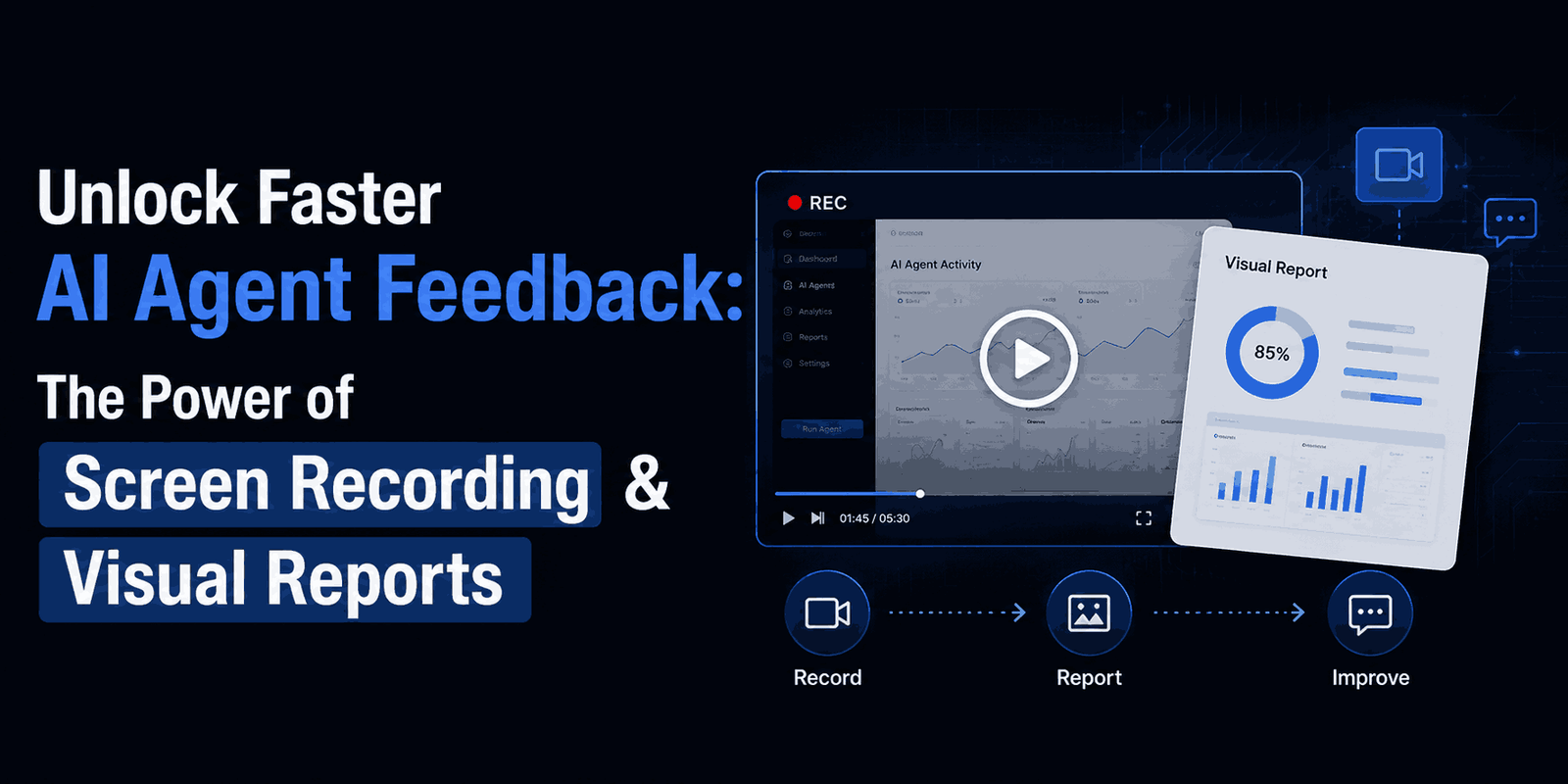
Ever feel like you’re playing a game of charades with your AI agent? Trying to explain complex ideas, visual details, or exact instructions using just text, voice notes, or static images can be incredibly frustrating. What if there was a better way? A way to give rich, visual feedback that your AI could easily understand and act on?
Good news! A clever new method is emerging that uses simple screen recordings to create super detailed, actionable reports for your AI agents. This approach promises to make your AI development and interactions much smoother and faster.
The Old Way: Feedback Headaches
Traditionally, giving feedback to AI agents often feels like a series of disconnected chores:
- Typing everything out: This is slow, often misses visual context, and can easily be misunderstood.
- Voice-to-text: Quicker, but still struggles to convey visual cues or precise actions.
- Adding static images: You have to upload them separately and then explain them, which breaks your flow.
- Manually guiding the agent: If you’re using a browser to show the agent what to do, it’s a manual, time-consuming process for every little tweak.
These methods can make the feedback loop a real pain, slowing down your progress and making it tough for your AI agent to truly grasp what you’re trying to achieve.
The New Way: Screen Recording Your Feedback
Imagine this: you simply record your screen as you navigate an interface or demonstrate a concept. You talk through your thoughts as you go. This intuitive process then becomes the direct input for your AI agent.
Instead of breaking your feedback into tiny text blocks, separate images, and voice notes, you capture the entire context in one go. You can move between different apps, highlight specific parts, and even show external examples – all while narrating your feedback in real-time. This turns your natural way of explaining things into a powerful feedback tool.
How This Visual Feedback Loop Works
The real magic happens when your raw screen recording is processed by a special AI skill. This skill takes your video and turns it into a structured, highly informative HTML document.
The “Video-to-HTML” Skill
At the core of this workflow is a custom AI skill designed to do a few smart things:
- Transcribe your video: It converts everything you say into a text transcript.
- Extract keyframes: It pinpoints important visual moments and links them to exact timestamps in your transcript.
- Generate GIFs: For parts of your video that show movement or instructions, it creates short, looping GIFs to illustrate key actions or visual changes.
- Structure as HTML: Finally, it organizes all this information into a readable, easy-to-navigate HTML document.
A Rich, Actionable Visual Report
The HTML report you get is much more comprehensive than typical feedback. It provides your AI agent with:
- Visual Context: Screenshots and GIFs let the agent literally “see” what you’re talking about – whether it’s a specific button, a data point, or a step in a workflow.
- Timestamped Explanations: The transcript is synced with the keyframes, so the agent can connect your spoken words directly to the visual evidence.
- Action Checklists: The system can even automatically create a list of suggested actions or next steps based on your feedback. For agents like “droid” (personal AI assistants that can actually operate within an environment), this means clearer tasks and a better understanding of the desired outcome.
This process makes giving feedback feel less like instructing a machine and more like collaborating with a super attentive assistant.
Key Benefits of This Workflow
Using screen recording for your AI feedback offers some serious advantages:
- Crystal Clear Understanding: You can literally “show” your agent what needs changing or improving, completely removing guesswork. This is incredibly helpful for design feedback or complex multi-step processes.
- Boosted Efficiency: Creating feedback becomes faster and feels more natural. You spend less time formatting and more time clearly communicating your intent.
- A Complete History: The generated HTML files are like an excellent build log. You can easily go back to past feedback, track changes, and see how your AI agent’s outputs have evolved.
- Smarter Agent Understanding: AI agents are often trained on multimodal data and can interpret visual cues really well. Giving them frames, GIFs, and context helps them process information more completely, which can lead to more accurate and relevant actions.
Things to Consider
While this method is powerful, it’s good to be aware of a few points:
- Token Usage: Generating detailed transcripts and visual analyses can use up more AI tokens than simple text input. This might affect your computational costs if you’re “token conscious.”
- Storage: Storing video files and the generated HTML reports will require enough local or cloud storage.
- Initial Setup: Creating the custom “video-to-HTML” skill requires some upfront effort in prompt engineering or tool development.
- Processing Time: Converting a video into a structured HTML document takes some processing time. This depends on how long the video is and how complex the task.
Why Richer Feedback Matters for AI Development
The quality of an AI agent’s output is directly linked to the quality of the feedback it receives. By moving beyond just text, we enable agents to:
- Connect Feedback to Actions: A visual report makes it easier for an agent to map feedback (“this button should be blue”) directly to the relevant element in an interface. This significantly improves its ability to execute tasks accurately.
- Speed Up Development: Clear, visual feedback cycles can drastically reduce the time needed to refine agent behaviors and outputs. This means faster prototyping and quicker deployment of your AI solutions.
- Handle More Complex Tasks: With richer context, AI agents can take on more nuanced and sophisticated tasks that require understanding visual layouts, user experience, or sequential steps. This really pushes the boundaries of what AI automation can achieve.
This shift in how we give feedback is a big step forward in improving human-AI collaboration and unlocking the full potential of advanced AI agents. If you’re looking to understand AI interactions better, exploring advanced prompt engineering techniques or AI agent orchestration tools can give you even more insights.
Frequently Asked Questions (FAQ)
What kind of AI agents can benefit from this feedback method?
This method is super useful for AI agents involved in UI design, web development, content creation with visual elements, debugging, or any task where seeing is crucial for understanding. Personal AI assistants, coding assistants, and automated testing agents are prime examples.
Is this method expensive in terms of AI resource usage?
Potentially, yes. Transcribing video, analyzing frames, and generating GIFs can consume more computational resources (tokens) than just simple text prompts. However, the gains in development efficiency often outweigh the increased cost for many use cases.
Can I customize the output of the “video-to-HTML” skill?
If you’re building a custom skill, you’d likely have a lot of control over the output. This could mean deciding how GIFs are created, which keyframes are highlighted, or the exact structure of the HTML document to best suit your agent’s needs.
Final Thoughts: Evolving How We Interact with AI
The way we communicate with AI is always changing. From basic text commands to voice interactions and now to rich, multimodal feedback via screen recordings, each step brings us closer to a more natural and efficient partnership with artificial intelligence. Experimenting with these advanced feedback techniques isn’t just about making our agents smarter; it’s about making our own workflows better and building a more intuitive future for AI development.
Ready to explore more innovative AI workflows and tools? Dive into our extensive library of articles on AI agent development and discover how you can push the boundaries of what’s possible.