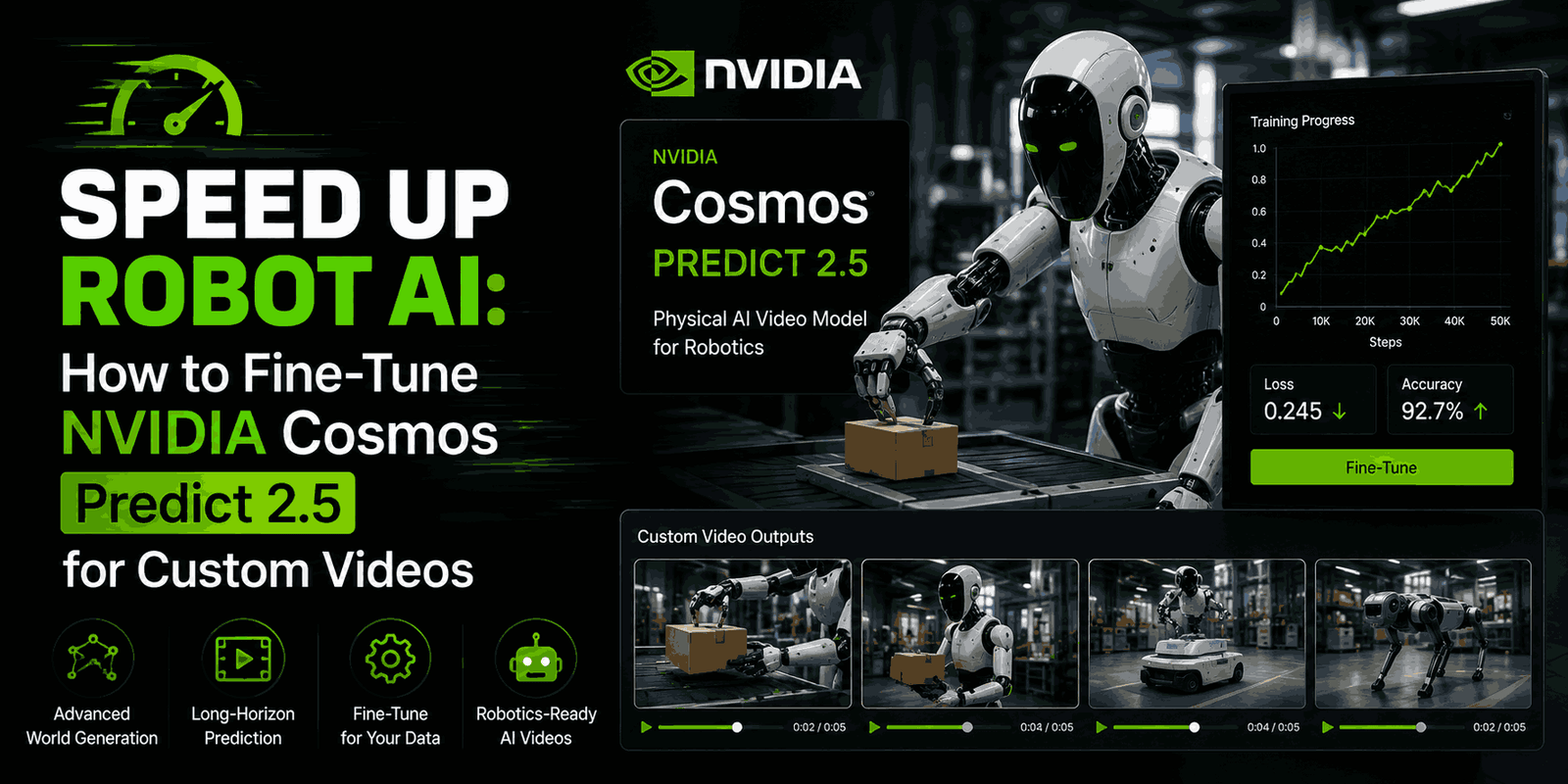
Imagine a world where training robots is quicker, cheaper, and more efficient. One of the biggest hurdles in robot learning is getting enough realistic data to teach a robot new skills. Collecting this data from real robots is often slow, expensive, and sometimes even dangerous. But what if we could generate superrealistic, physically accurate videos of robots doing things and then use those videos to train our robots?
That’s exactly where NVIDIA Cosmos Predict 2.5 comes in. This powerful “world model” can generate lifelike videos based on text, images, or even existing video clips. However, to make it truly useful for your specific robot tasks – like a pick-and-place job in a unique factory setup or from a particular camera angle – it needs a little personal touch. This is where fine-tuning becomes super important.
In this guide, we’ll dive into how you can easily adapt Cosmos Predict 2.5 for your robotics needs using clever techniques called LoRA and DoRA. We’ll cover everything from setting up your workspace to understanding the results, showing how this process can streamline robot AI development and open up new doors for generating synthetic data.
Why Custom Video Generation is a Game-Changer for Robotics
Robots learn best when they see many different situations. To teach a robot to grasp an object, move it, or interact with its surroundings, it needs tons of examples. Traditionally, this means recording hours of real robot footage, which comes with many headaches:
- Cost and Time: Running physical robots for data collection requires a lot of money, specialized equipment, maintenance, and expert operators.
- Safety: Some tasks are just too risky for robots to try in the real world right away. A safe, simulated environment is a must.
- Scalability: Creating diverse scenarios in the real world is tough. With synthetic data, you can get virtually endless variations.
Cosmos Predict 2.5 offers a solution by generating videos that look and act like they’re from the real world. But a general model might not grasp the small details of your specific robot, gripper, or workspace. Fine-tuning lets you teach the model your unique domain knowledge, helping it produce highly relevant and accurate synthetic robot movements. These generated videos then become super valuable training data for other robot learning tasks, speeding up development and cutting costs.
The Magic of Parameter-Efficient Fine-Tuning (PEFT): LoRA and DoRA
When you’re working with massive AI models, like Cosmos Predict 2.5 with its 2 billion parameters, training the whole thing can be incredibly expensive. It demands huge amounts of memory and serious processing power and risks “catastrophic forgetting”—where the model loses its valuable general knowledge while learning new, specific things.
Parameter-Efficient Fine-Tuning (PEFT) methods solve these problems by training only a tiny fraction of the model’s parameters. This approach dramatically cuts down on memory use and training time, all while keeping the base model’s core abilities intact.
What is LoRA? (Low-Rank Adaptation)
LoRA, or Low-Rank Adaptation, is a popular PEFT trick. Instead of tweaking all the weights in a huge model, LoRA inserts small, trainable “adapter modules” into key parts of the already-trained model. The original, massive model weights stay frozen, acting like a sturdy foundation. Only these small adapter modules get trained on your specific data.
The cool part is that these adapters learn “low-rank updates” to the model’s weight matrices. This means they capture important, task-specific changes using far fewer parameters. The result? Much less memory needed during training and much smaller “adapter files” that are easy to save, share, and swap out for different tasks when you’re actually using the model. You can fine-tune on a single GPU and then dynamically load different LoRA adapters to switch between various robot behaviors.
What is DoRA? (Decomposed Low-Rank Adaptation)
DoRA builds on LoRA by refining how these low-rank updates are applied. It breaks down the pre-trained weights into two parts: magnitude and direction. When applying the low-rank update, DoRA works on both of these components.
The benefit here is that DoRA can potentially lead to more stable learning, especially when you’re using very few parameters (low ranks) where LoRA might struggle a bit. It can achieve similar performance to LoRA with fewer parameters in some cases, offering a slight edge when memory is extremely tight or if you notice instability with basic LoRA at low ranks. However, as we’ll see, for many tasks, LoRA performs just as well.
Getting Started: Fine-Tuning Cosmos Predict 2.5
Ready to dive into fine-tuning Cosmos Predict 2.5 for your robot? Here’s a practical look at the steps involved.
Setting Up Your Environment
First things first, you’ll need the right setup. This process uses standard Python libraries that are common in the AI world:
- Python: Version 3.10 or newer.
- PyTorch: Version 2.5 or newer, with CUDA support for speeding things up with your GPU.
- Diffusers: A Hugging Face library that makes working with diffusion models (like Cosmos Predict 2.5) much easier. It also automatically brings in
transformersandpeft. - Accelerate: Another Hugging Face library designed to simplify training across multiple GPUs and with mixed precision.
- Wandb (Optional): Great for monitoring your training progress and visualizing important metrics.
You can get these installed with a simple pip command:
pip install -U "diffusers[torch]" transformers accelerate peft wandb
For hardware, a single 80 GB GPU can work for training on one GPU. But for quicker iterations and more complex setups, multiple H100 GPUs are a good idea.
Preparing Your Robot Data
The quality of your fine-tuned model heavily depends on the data you give it. For generating robot videos, you’ll need datasets made up of video clips of robot manipulations, each paired with a descriptive text prompt.
For example, the GR1-100 training dataset includes 92 robot manipulation videos, each with text prompts like “Use the left hand to pick up the dark green cucumber from on the circular gray mat to above the beige bowl.” The test dataset contains pairs of prompts and images, where the model generates a video based on a text instruction and an initial frame.
You’ll usually organize your data into folders containing video files (.mp4) and corresponding text files for prompts, along with any metadata. The diffusers library has tools like VideoDataset and ImageDataset to load these samples efficiently during training and when generating videos.
The Training Process Explained
Cosmos Predict 2.5 is built from three main parts:
- VAE (Variational AutoEncoder): This part compresses your videos into a compact “latent” space.
- Text Encoder: This translates your text prompts into numerical representations.
- DiT (Diffusion Transformer): This is the core diffusion model that works in that latent space to generate video frames.
When you fine-tune with LoRA/DoRA, the VAE and text encoder are left alone (they stay frozen). The small LoRA/DoRA adapters are smartly placed within the DiT’s attention and feedforward layers. This ensures that most of the model’s fundamental knowledge stays put, while the adapters learn the specific patterns from your robot data.
The model learns using something called rectified flow. Basically, it’s trained to predict the “velocity” needed to turn a noisy video latent into a clean, realistic one. A loss function, usually Mean Squared Error (MSE), guides this learning, focusing only on the frames that aren’t already given (like the first few frames).
To optimize the adapter parameters, you’ll commonly use torch.optim.AdamW, a reliable optimizer, along with a learning rate scheduler to control how the model learns over time. Importantly, your fine-tuned LoRA/DoRA weights are saved as small checkpoint files, ready to be loaded whenever you need them.
Here are some key settings you’ll adjust:
lora_rank: This controls how many trainable parameters are in the adapter. A higher rank means the adapter can learn more, but it also uses more memory and results in a larger file size. A rank of 32 often works well, adding about 50 million trainable parameters.lora_alpha: A scaling factor for the LoRA update. Setting it equal tolora_rankmeans the update is applied at full strength.use_dora: A simple switch to use DoRA instead of LoRA if that’s your preference.
Training times can vary. For instance, getting good results on robot manipulation tasks might take about 17 hours on a single H100 GPU, or just 2.5 hours using eight H100s, showing how much faster things get with multiple GPUs.
Generating Synthetic Robot Videos with Your Fine-Tuned Model
Once you’ve fine-tuned your model and saved those LoRA/DoRA adapter weights, it’s time to put it to work! Generating new robot videos is a straightforward process:
- Load the Base Pipeline: Start by loading the original NVIDIA Cosmos Predict 2.5 base model using
Cosmos2_5_PredictBasePipeline.from_pretrained(). - Load LoRA/DoRA Weights: Apply your custom adapter weights to the base model using
pipe.load_lora_weights("/path/to/your/checkpoint"). - Fuse the Adapters (Optional but Recommended): For the fastest possible generation, you can merge the adapter weights directly into the base model using
pipe.fuse_lora(). This gets rid of any extra steps from the PEFT breakdown during video creation. - Prepare Inputs: Give it a conditioning image (the very first frame you want in your video) and a text prompt (e.g., “Use the right hand to pick up the orange juice carton…”).
- Generate Video: Call the pipeline’s generation method, telling it how many frames you want, how many inference steps to take, and the video dimensions. You can also provide initial random noise for consistent results across different GPU types.
- Export: The pipeline will give you a series of frames, which you can then save as a
.mp4video file.
This smooth process lets you quickly generate new synthetic robot movements that are perfectly tailored to your specific instructions and starting conditions.
How to Evaluate Your Fine-Tuned Robot Videos
Generating videos is one thing, but making sure they’re actually useful for robot learning requires careful checking. Beyond just looking good, these videos need to be physically consistent and accurately follow instructions.
Beyond Looks: Geometric Consistency (Sampson Error)
A vital measure for robot videos is geometric consistency. This means ensuring that objects move believably, without weird wobbles or impossible spatial relationships. The Sampson Error helps measure this. It calculates the geometric distance between matched points and where they should be across frames or different camera views.
- Temporal Sampson Error: Measures how consistent the video is between consecutive frames from the same camera. A low score here means smooth, stable motion.
- Cross-view Sampson Error: Checks consistency between frames taken at the same time but from different camera views. This is super important when robots need to understand 3D space.
Lower Sampson Error values mean better geometric quality, which translates to more realistic and reliable generated motion for training.
AI Judging AI: LLM-as-a-Judge
For a deeper understanding of video quality, especially concerning how well a task is done and if physical laws are followed, Large Language Models (LLMs) can act as judges. Using a powerful LLM like Cosmos Reason2, you can create specific rules to score the generated videos.
Two common scoring rules are the following:
- Physical Plausibility: The LLM checks if the video makes sense physically – do objects behave realistically, are forces consistent, and are interactions believable? This score is given without the prompt, focusing purely on the visual physics.
- Instruction Following: Here, the LLM gets both the video and the original text prompt. It then assesses whether the robot successfully completed the described task, used the correct hand, and interacted with the right objects as instructed.
This “LLM-as-a-judge” method provides a thorough, human-like evaluation of complex video attributes, going far beyond simple pixel-by-pixel comparisons.
Key Takeaways from Fine-Tuning Results
The results of fine-tuning Cosmos Predict 2.5 with LoRA and DoRA are quite impressive, showing big improvements over the base model.
Qualitative Improvements:
Before fine-tuning, the base model might struggle with subtle robot-specific details. It could:
- Sometimes show human hands instead of robot grippers.
- Fail to reliably use the correct hand (left vs. right) as asked in the prompt.
- Have noticeable video jitter, making movements look less realistic.
Fine-tuning with LoRA and DoRA effectively fixes these issues, leading to much cleaner, more accurate, and robot-specific video generations.
Quantitative Improvements:
Evaluation metrics consistently show that fine-tuned models perform better than the base model:
- Sampson Error: Both temporal and cross-view Sampson errors go down, meaning better temporal stability and geometric consistency across multiple views.
- Physical Plausibility: Fine-tuned models score higher, which means the generated videos better follow common physical sense.
- Instruction Following: The models become significantly better at completing tasks exactly as described in the prompts, including using the correct hand and interacting with objects accurately.
Interestingly, training for just 100 epochs (around 2.5 hours on 8 H100 GPUs) can lead to substantial improvements across all metrics. Both LoRA and DoRA often reach similar performance levels.
LoRA vs. DoRA Considerations:
- A higher
lora_rank(e.g., 32 vs. 8) can improve how well the model follows instructions, as it gains more capacity to learn precise task details like hand usage. However, it might not significantly improve fundamental geometric consistency or physical plausibility, which are largely built into the base model’s frozen weights. - When to choose DoRA: If you have very tight memory constraints or want the smallest adapter file size, starting with LoRA rank 8 is a good option. However, if you’re using extremely low ranks and notice training instability, DoRA at rank 32 can be a more stable alternative. This is thanks to its magnitude-direction breakdown, which helps stabilize the learning process.
Why This Matters for the Future of Robotics
The ability to efficiently fine-tune powerful world models like NVIDIA Cosmos Predict 2.5 for specific robot tasks is a huge leap forward for the entire robotics field. It bridges the gap between general AI capabilities and the specialized needs of real-world robotic applications.
By generating high-quality, task-specific synthetic robot videos, we can:
- Democratize Robot Learning: Make advanced robot training more accessible to researchers and developers without needing expensive, extensive real-world data collection setups.
- Accelerate R&D: Quickly prototype and test new robot behaviors and algorithms in a simulated environment before putting them on physical robots.
- Improve Robustness: Generate diverse failure scenarios and tricky “edge cases” that are hard to capture in the real world, leading to more robust and reliable robot policies.
- Reduce Development Costs: Significantly cut down on the time and money traditionally associated with gathering robot data and training models.
This approach lays the groundwork for a future where robots learn faster, adapt more easily to new environments, and operate with greater precision and intelligence, ultimately bringing advanced robotics into more parts of our lives.
FAQ
Q: What is NVIDIA Cosmos Predict 2.5?
A: Cosmos Predict 2.5 is a large-scale AI “world model” developed by NVIDIA. It’s designed to generate physically realistic videos based on different inputs like text prompts, images, or existing video clips.
Q: What are LoRA and DoRA?
A: LoRA (Low-Rank Adaptation) and DoRA (Decomposed Low-Rank Adaptation) are parameter-efficient fine-tuning (PEFT) techniques. They let you adapt big AI models to new tasks by training only a small number of extra parameters (called adapters), instead of changing the entire model. This saves a lot of computing power and memory.
Q: Why fine-tune Cosmos Predict 2.5 instead of training a robot video generation model from scratch?
A: Training a large model like Cosmos Predict 2.5 from scratch is extremely expensive and takes a long time. Fine-tuning with LoRA/DoRA uses the powerful general knowledge already in the pre-trained model and efficiently adapts it to specific robot areas or tasks with minimal resources, while also preventing the model from “forgetting” what it already knows.
Q: What kind of data is typically used for fine-tuning robot video generation?
A: You’d use datasets that include video clips of robots doing specific manipulation tasks, paired with detailed text prompts describing those actions. This could involve videos of robots picking up objects, placing them, or interacting with tools in a particular environment.
Final Thoughts
Fine-tuning large world models like NVIDIA Cosmos Predict 2.5 with efficient methods like LoRA and DoRA is a major step forward for robot AI development. It offers a practical way to create high-quality synthetic data, easing the bottlenecks that have traditionally slowed down robot learning. As these methods continue to get better, we can expect even faster progress in building intelligent, adaptable robots that can tackle complex real-world challenges.
Interested in diving deeper into world models or exploring other AI training techniques? Be sure to check out related resources on our blog!