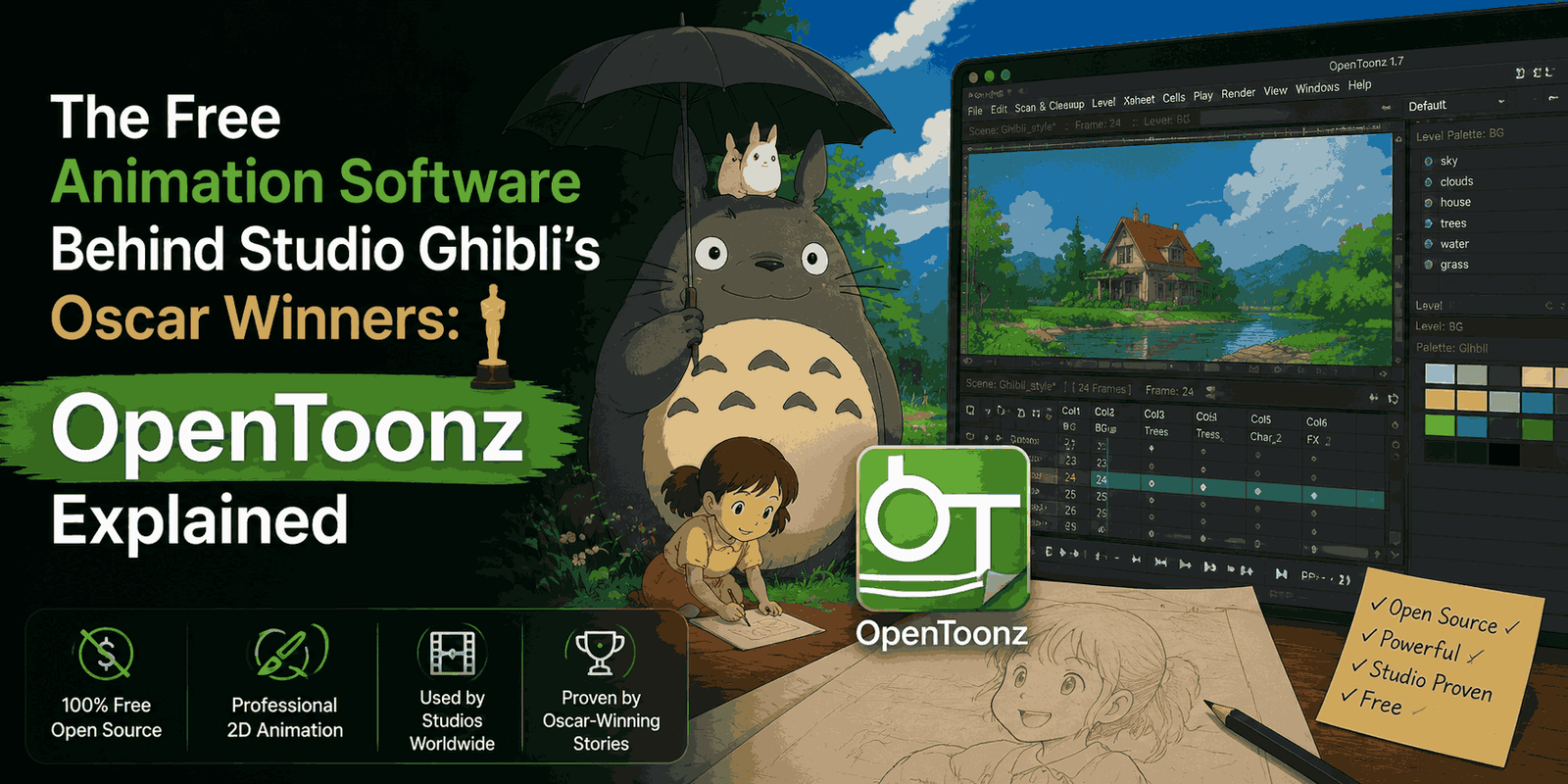
When you think of stunning 2D animation, Studio Ghibli usually comes to mind. Their films are famous for their breathtaking hand-drawn art and incredible detail. But what might surprise you is that the software behind their latest Oscar-winning feature, The Boy and the Heron, isn’t some super expensive, secret tool. It’s actually a free, open-source program called OpenToonz.
In a world where most creative tools come with hefty subscription fees, OpenToonz truly stands out. It’s not just for hobbyists; it’s a powerful animation platform with a rich history and a bright future. Let’s dive into what makes OpenToonz so special, its unique origins, and why it’s a fantastic choice for animators everywhere.
A Rich History: OpenToonz’s Deep Roots
The story of OpenToonz began way back in 1993. It wasn’t open-source then, but a commercial Italian animation tool called “Toonz,” developed by Digital Video S.p.A. It ran on specialized SGI IRIX workstations, showing its professional-grade origins right from the start.
A major turning point came in 1995 when a relatively small Japanese animation studio expressed interest in licensing Toonz. That studio was Studio Ghibli. They didn’t just license it; they brought it deep into their daily work, customizing it extensively over two decades. Developer Shun Iwasawa, who still contributes to the project today, led this effort, shaping the software to perfectly match director Hayao Miyazaki’s unique animation process.
This close collaboration led to custom features like GTS, a scanning system for animation cels, and IwaWarper, a sophisticated tool for warping textures. Ghibli even developed smart palette systems within Toonz. This meant animators could change a single color swatch and instantly repaint an entire character across thousands of frames. Pretty neat, right?
Then, in 2016, Dwango acquired the rights to Toonz and made a truly important decision: they open-sourced the entire program under a BSD-3 license. This meant this battle-tested, studio-grade software became available to everyone, for free.
Studio Ghibli’s Choice: Oscar-Winning Animation on a Free Platform
OpenToonz isn’t just a side tool for Studio Ghibli; it’s been central to their production pipeline for many beloved films. Besides The Boy and the Heron, movies like Arrietty, The Wind Rises, The Tale of the Princess Kaguya, and When Marnie Was There all relied on OpenToonz (or its proprietary Toonz predecessor).
For The Boy and the Heron, every single drawing was scanned using the GTS system. Color design, scene composition, and rendering all took place within OpenToonz. New visual effects (FX) nodes, such as GlareFx and FloorBumpFx, were created specifically for the film and later added to the public v1.7 release. Even HDR rendering for Dolby Cinema was developed during this production. This isn’t just using a tool; it’s actively evolving it to meet the demands of cutting-edge animation.
And it’s not only Ghibli. Other notable studios have also adopted OpenToonz or its earlier versions:
- Studio Ponoc used the open-source version for Mary and The Witch’s Flower.
- Studio Chizu found OpenToonz more stable for pencil testing on Belle.
- Trigger integrated it into their work for Promare, Kiznaiver, and BNA.
- Rough Draft Studios (known for Futurama) utilized the original Toonz.
This widespread professional use clearly shows OpenToonz’s power and reliability in the animation industry.
The Booming 2D Animation Market and OpenToonz’s Role
The 2D animation and anime markets are growing at an incredible pace. The global 2D animation software market was valued at about $2.8 billion in 2024 and is expected to hit $8.5 billion by 2034. Meanwhile, Japan’s anime industry alone reached a record $25.3 billion in 2024, with overseas revenues soaring. Globally, the anime market is projected to grow to $77.3 billion by 2033.
Even with the rise of 3D, a significant portion of content creators (35-46%) still prefer 2D tools for various projects, including marketing, education, and streaming. In Japan, over 70% of professional studios now use digital tools, a huge change from just 15 years ago.
This booming demand highlights a critical need for accessible, professional-grade animation software. Currently, three main players serve the market:
- Toon Boom Harmony: An excellent but expensive industry standard.
- Adobe Animate: Now in “maintenance mode,” meaning no new features, pushing users toward other Adobe tools.
- OpenToonz: Free, open-source, and backed by a history of powering top-tier animated features.
OpenToonz fills a crucial gap, offering a high-quality, zero-cost alternative in a rapidly expanding industry.
A Peek Under the Hood: What Powers OpenToonz
For those curious about the technical side, the OpenToonz GitHub repository is full of interesting details. It’s mainly written in C++ (around 90%) and C (6%), built on Qt 5 and CMake.
The software’s design closely mirrors a traditional cel animation pipeline. This makes it intuitive for artists familiar with classic techniques:
- toonzlib: Handles scene and Xsheet (exposure sheet) data.
- tnztools: Provides core drawing tools like brushes, erasers, and vector editing.
- stdfx: Contains the visual effects library.
- tiio: Manages format input/output for various image and video types, including unique native formats like PLI, TLV, and TZP.
The core data model—moving from ToonzScene to TXsheet, then TXshCell, and finally levels in vector, raster, or “Toonz raster”—is like a digital version of the paper exposure sheets used in studios since the 1930s. This isn’t just old-fashioned; it’s a deliberate design choice that fits perfectly with established studio workflows.
The project is actively maintained, with hundreds of open issues and pull requests, regular GitHub Actions CI builds for Windows, macOS, and Linux, and detailed build instructions on its wiki. The latest stable release (v1.7.1) came out in May 2023, with nightly previews of v1.8 continually being developed.
Getting Started with OpenToonz: From Your First Frame to Advanced Workflows
Thinking of trying OpenToonz yourself? Here’s how to begin:
Installation and First Steps
On Windows, the easiest way is usually to download the installer from the official OpenToonz website. For Linux users, community builds are often available through GitHub Actions artifacts. Developers can also clone the repository and build it from scratch using Qt 5, CMake 3.16+, and a C++ toolchain.
Once installed, creating your first animation is surprisingly simple:
- Open OpenToonz and select “File” > “New Scene.”
- Grab the Brush tool (hotkey ‘B’).
- Draw on Frame 1 in the Xsheet.
- Go to Frame 2 (using the ‘+’ key or Xsheet panel) and draw your next frame.
- Hit play, and congratulations! You’ve just created a frame-by-frame animation using the same core tool as Studio Ghibli.
The official documentation is an excellent place to explore the software further.
Expanding Capabilities with Plugins and Scripting
OpenToonz offers great extensibility for more advanced users:
- Plugin SDK: You can develop custom image-processing effects in C, compile them into a shared library, and drop them into the plugins directory. These plugins then appear as nodes in the FX Schematic without needing to rebuild OpenToonz entirely. This is where developers could potentially integrate modern AI art tools or diffusion models.
- ToonzScript: The software includes an ECMAScript-based scripting language built on QtScript. This allows for powerful automation, such as batch-processing frame sequences directly from the Script Console. For CI pipelines, the Morevna Edition fork even adds command-line execution capabilities.
The potential for integrating cutting-edge AI features, like modern diffusion models, through the Plugin SDK is a huge opportunity for developers and the OpenToonz community. Imagine using an AI compositor node right within your traditional animation pipeline!
The Miyazaki Philosophy: Art, Observation, and AI
To truly understand OpenToonz, it helps to understand the philosophy behind Studio Ghibli’s animation. Hayao Miyazaki’s views on creativity and technology are well-known. In 2016, when shown an AI-generated zombie animation, he famously called it “an insult to life itself” and refused to use such technology.
But this isn’t an anti-technology stance. Ghibli has used digital tools since 1997. However, Miyazaki stresses that animation is about empathic observation. It means meticulously studying how the world moves – how a child reaches for something, how wind blows through grass – and then translating that observation into drawings. Tools that bypass this observational process, he believes, lead to “dead images.”
This philosophy explains why Ghibli spent decades customizing Toonz. They needed a tool that respected the hand-drawn line, preserved the nuances of ink and paint, and allowed for sophisticated texture warping without making the original artwork feel flat. OpenToonz, in essence, is the result of decades of collaboration between a visionary artist and dedicated software developers.
OpenToonz in the Animation Software Landscape: A Price Comparison
Let’s put OpenToonz’s value into perspective by comparing it to its competitors:
- Toon Boom Harmony Premium: Ranges from $139/month to over $3,215 for a 3-year subscription. Perpetual licenses are no longer offered. For a small 10-person indie studio, this could mean over $16,000 annually.
- Adobe Animate: Typically $22.99–$34.49/month. However, Adobe announced in February 2026 that Animate would go into “maintenance mode,” meaning no new features, only security patches. Adobe’s focus is shifting towards AI-generated content tools like Firefly and Express.
- OpenToonz: Absolutely free under a BSD-3 license. It’s the only one of these used to render Oscar-winning feature films at zero cost.
This stark contrast highlights OpenToonz as an incredibly accessible and powerful option for animators and studios on any budget.
The Open-Source Journey: OpenToonz’s Blender Parallel
OpenToonz shares an interesting parallel with Blender, the now-ubiquitous 3D modeling and animation suite. Blender also started as an in-house tool at a Dutch studio before becoming open-source through a crowdfunding campaign. It then went through years of a “rough” user experience before its game-changing 2.8 update made it mainstream, eventually leading to its own Oscar-winning productions (like Flow in 2025).
OpenToonz is currently in a similar phase. It’s technically powerful for its niche but often gets criticized for its steep learning curve and sometimes clunky user interface. It hasn’t had its “2.8 moment” yet – a major UI overhaul that could unlock its potential for a much broader audience. The existence of community-driven forks like Tahoma2D shows there’s a strong desire for such improvements.
Unlike the Blender Foundation, which benefits from millions in corporate sponsorship from tech giants, OpenToonz primarily relies on Dwango’s support and volunteer contributions. This gap in dedicated funding and development resources is a challenge, but also an opportunity for more developers and animators to get involved.
Important Considerations for Aspiring Animators
While OpenToonz is a fantastic tool, it’s important to approach it with realistic expectations:
- Learning Curve: The user interface is famously challenging, and the workflow can be tough for newcomers. It requires patience and a willingness to learn.
- Stability: Users sometimes report crashes during heavy tasks, so remember to save frequently!
- Studio Ghibli’s Customization: Remember, Ghibli used a heavily customized version of Toonz, refined over many years. Simply downloading OpenToonz won’t instantly make you a Ghibli-level animator, just like downloading Blender doesn’t immediately turn you into Pixar.
- Specific Strengths: While excellent for hand-drawn feature animation, scanning, compositing, and ink-and-paint, OpenToonz isn’t always the best fit for everything. Toon Boom Harmony, for example, often surpasses it for rigged TV animation (think Rick and Morty or Bojack Horseman).
However, for traditional hand-drawn animation, especially within the booming anime industry, OpenToonz truly offers unparalleled capabilities at an unbeatable price.
What’s Next for OpenToonz?
The future looks bright for OpenToonz, driven by market demand and community potential. The Japanese animation industry is increasingly embracing digital tools and standardizing formats like XDTS exposure sheets, which OpenToonz already supports.
Modern animation pipelines are becoming more flexible: artists might use Clip Studio for initial drawings, then move to OpenToonz for compositing and Ink & Paint, leveraging ToonzScript and the Plugin SDK for automation.
The OpenToonz repository welcomes new contributors for tasks like improving Linux packaging, a much-needed UI overhaul, updated build tools, and Python bindings. With over 200 contributors and thousands of commits, there’s a strong foundation, but always room for more talent.
The beauty of OpenToonz being open-source is that it’s entirely in the community’s hands. It’s forkable, adaptable, and not tied to any single company’s licensing decisions. This freedom ensures its longevity and potential for innovation.
FAQ About OpenToonz
Q: What exactly is OpenToonz?
A: OpenToonz is a free, open-source 2D animation software based on Toonz, a commercial animation tool developed in Italy. Studio Ghibli heavily customized and used it for many of their feature films, including Oscar winners.
Q: Is OpenToonz truly free?
A: Yes, OpenToonz is released under a BSD-3 license, which means it’s completely free to use, modify, and distribute for both personal and commercial projects.
Q: Is OpenToonz difficult to learn for beginners?
A: OpenToonz has a notoriously steep learning curve and a somewhat dated user interface. While powerful, new users may find it challenging initially compared to more modern, streamlined software. However, extensive documentation and community tutorials are available to help.
Q: Can I create professional-quality animation with OpenToonz?
A: Absolutely. Studio Ghibli’s use of OpenToonz for Oscar-winning films demonstrates its professional capabilities. Many other studios also use it. The quality of the animation ultimately depends on the artist’s skill and dedication.
Q: What are some alternatives to OpenToonz?
A: Popular alternatives include Toon Boom Harmony (commercial, industry-standard for rigged animation), Adobe Animate (commercial, but now in maintenance mode), Krita (free, open-source painting and animation), and Tahoma2D (a community fork of OpenToonz aiming for UI improvements).
Final Thoughts
OpenToonz stands as a powerful example of open-source collaboration and the lasting value of traditional animation. It’s a great reminder that truly impactful tools don’t always come with the highest price tag. The technical barriers to creating beautiful 2D animation have never been lower. With OpenToonz, Blender, and Krita all available for free, the only remaining barrier is your imagination and commitment.
Whether you’re an aspiring animator, a seasoned professional, or a developer looking to contribute to a meaningful project, OpenToonz offers an incredible opportunity. It truly embodies the spirit of Hayao Miyazaki’s philosophy: that true artistry comes from diligent observation and heartfelt attention. Why not download OpenToonz today and draw your first frame?
Want to dive deeper into the world of open-source creative tools or explore more about AI’s role in artistic workflows? Stay tuned to our blog for more insights and guides!